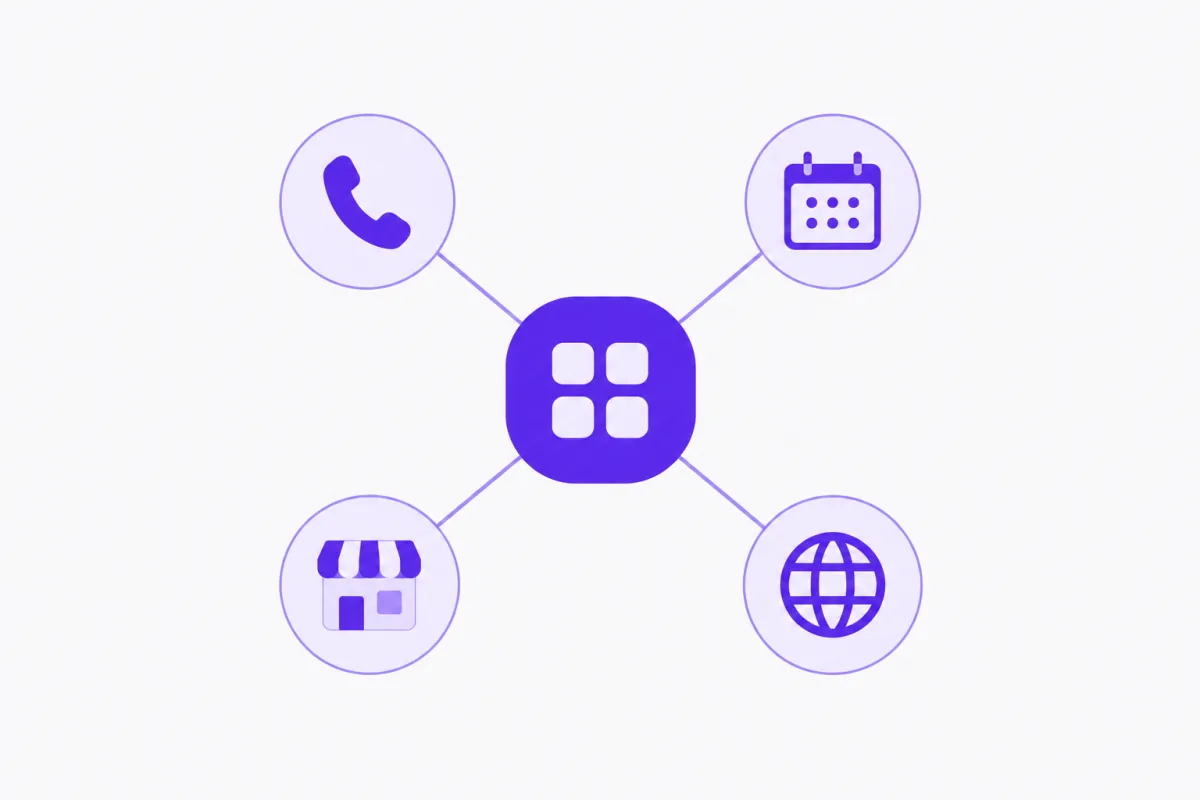
A typical small business website is really five tools in a trench coat. A site builder for the pages. A booking app embedded in an iframe. A chat widget from a third company. A product page, or a PDF price list, or a link to an Instagram shop. And a phone line that knows nothing about any of them. Each one has its own login, its own bill and its own copy of your opening hours.
Running one website for booking, store and chat means those parts share one set of facts. A slot taken on the phone disappears from the website. A price changed in the catalog is the price the AI quotes on the next call. A visitor who chats and leaves a number turns up in the same contact list as the person who booked last week.
This post explains why that matters for a small business, and how the parts connect in Aiva Chat: the AI website builder, the booking page at /book, the searchable store at /shop, the website chat, and the AI that answers your calls. It also covers what one platform doesn't do, so you can judge the trade-off honestly. Any example businesses are composites.
The businesses and set-ups described in this post are illustrative examples, not real customers or results.
What does one website for booking, store and chat mean?
It means a single account runs:
- Your website, written by AI from a few questions, at your workspace address.
- Bookings, with a booking page at
/bookand the same rules on calls and chat. - A store, a searchable catalog at
/shopthat customers browse and the AI reads. - Website chat, answering visitors by text or voice.
- Your phone line, answered by AI in 13 languages.
All five read the same business information. That's the difference. It isn't about having more features in one place. It's that the features don't disagree with each other. See how the whole platform fits together.
Why separate tools cause problems for small businesses
Your information goes out of date in several places
When hours change for a holiday, someone has to update the website, the booking app, the chat widget's answers and the phone message. Miss one and a customer gets the wrong answer.
Double bookings happen at the seams
A booking app and a phone answered by a person don't always see the same calendar at the same moment. The seam between them is where double bookings come from.
Customers end up split across tools
The person who chatted on Monday, booked on Wednesday and asked about a product on Friday appears in three different systems. You can't see one customer's history in one place.
Every tool adds a login and a bill
Five subscriptions of a modest size add up, and each one needs someone to set it up, update it and remember the password.
How the parts connect in Aiva Chat
One appointment book behind every channel
Customers can book by phone, in website chat, on your booking page or on your Aiva Chat website. Every booking follows the same rules and lands in the same book, so nothing gets double-booked. Staff, rooms and equipment, classes with seats, waitlists, several locations and owner approval all apply the same way everywhere. See Aiva Chat bookings.
One catalog for the shop page and the AI
Products you add in the store show at /shop, where customers search, sort and filter by brand. The same catalog is what the AI searches when someone asks "do you have this?" on a call or in chat. In website chat it shows the product card, which opens the product page. See the store.
One set of business details
Your services and prices come from bookings. Your hours, address and policies come from your business information. The website, the booking page, the AI on the phone and your Aiva Find listing all read from those. Change it once and every channel follows.
One contact list
Bookings, reservations, quote requests, contact forms and website chats where a visitor leaves a phone number or email all become contacts. Chats keep the page and campaign the visitor came from.
One listing outside your site
When you publish, your website is sent to Google, and your Aiva Find listing shows your name, city, up to four services and buttons to book, visit your website, open your shop or call.
Benefits of one website for booking, store and chat
Customers get the same answer everywhere
Whether they call, chat or read the site, customers see the same prices, hours and availability. That consistency is what makes a small business look organised.
Fewer places to update
Change a service price in bookings and it's updated on the booking page, the website and in what the AI says. Change a product's stock and both /shop and the AI reflect it straight away.
Every visitor has a next step
A visitor can book, browse the store, or ask the chat a question, without leaving your site. The website chat books with the same rules as calls, with or without a connected calendar.
You see the whole customer
A contact's bookings, enquiries and chats sit together. Insights tag conversations by topic and send a weekly email, so you see what customers ask about across channels, not tool by tool.
Set up once, without a developer
The AI website builder writes your pages from a few questions and connects booking, the store, chat and forms for you. There's no code to paste between tools.
Use cases: businesses that gain most from one website
A salon that also sells retail products
Clients book cuts and colour on the site or by phone, and the salon's shampoos and treatments sit in the store. On one call the AI can book the next appointment and answer "which shampoo do you sell for colour-treated hair?".
A shop that also does repairs or services
A phone shop or appliance store lists products at /shop and repair services at /book. Customers reserve a phone and book a screen repair from the same site.
A clinic or studio with classes and packages
A yoga or physio studio runs classes with seats, sells packages in person, and lets members book against their pass. The website, booking page and phone all apply the same seat limits.
A restaurant or bakery with a menu and table bookings
The store's menu mode shows the menu at /shop, the booking page takes table or order-collection bookings, and the AI answers "what's on the menu today?" on a call.
One platform vs separate tools
| One Aiva Chat website | Separate site, booking app, chat widget and shop | |
|---|---|---|
| Opening hours and prices | Entered once, used everywhere | Entered in each tool |
| Booking rules | Same on phone, chat, booking page and website | Phone and website can drift apart |
| Product answers on calls | AI searches the live catalog | Phone line can't see the shop |
| Customer history | One contact list | Split across tools |
| Logins and bills | One | One per tool |
| Design freedom | Sections, styles, colours and fonts | Usually more freedom per tool |
| Online payments | No; take payment your usual way | Available with some tools |
| Best for | Small businesses that book, sell locally and take calls | Businesses that need deep features in one area |
One platform isn't always better. If online payment and shipping are central to your business, a dedicated e-commerce platform fits better. If you need a fully custom design, a designer-built site gives you more control. One connected website suits businesses whose customers book, ask questions and buy in person, where consistency matters more than any single tool's depth.
How to move to one website step by step
Step 1: List what your current tools do
Write down every tool you use for the website, bookings, chat, forms and products, and what each one actually does for you.
Step 2: Set up bookings first
Add your services, hours and staff in bookings. This becomes the source for your booking page, website services and Aiva Find listing. The set-up guide for booking pages walks through it.
Step 3: Add your products
If you sell products, import them into the store from a spreadsheet, a Shopify or WooCommerce export, or by photo.
Step 4: Build the website
Answer the AI's questions, review the draft, turn on Book online, choose the assistant whose chat appears, and publish. See our guide to the AI website builder.
Step 5: Point your phone line at the AI
Move your number onto the assistant, or forward unanswered calls, so callers get the same answers as visitors.
Step 6: Retire the old tools carefully
Keep old tools running for a few weeks while you check that bookings and enquiries arrive as expected, then cancel them.
Common mistakes when consolidating tools
Moving everything in one day
Switch one channel at a time and test each before moving on.
Leaving old booking links live
An old booking app link on social media will keep taking bookings the new system can't see. Update every link to your new /book page.
Forgetting the phone number on the site
Use your Aiva Chat number on the website so calls reach the AI receptionist and use the same rules.
Expecting online payments
Aiva Chat doesn't take customer payments. Prices show, bookings can be marked paid, and you take payment your usual way. Tell customers how in your "how to buy" line and booking details.
Not keeping your Google Business Profile in step
Your profile on Google should match your website's name, address and hours. Google's guidelines for business listings explain what it expects.
Best practices for a connected small business website
- Treat bookings and business information as the source for everything else.
- Keep one phone number across the website, the profile and printed material.
- Turn on website chat so visitors who won't call can still ask.
- Fill in product details so the AI can answer from them.
- Read your Insights email weekly to see what customers ask across channels.
- Use Aiva Find as a free extra listing that updates itself.
Conclusion
The case for one website for booking, store and chat isn't about having everything in one place for its own sake. It's that separate tools hold separate copies of your business, and those copies drift. When the website, booking page, store, website chat and phone line all read the same appointment book, catalog and business details, customers get the same answer wherever they ask, and you update things once.
The trade-offs are real. Aiva Chat doesn't take online payments or arrange delivery, and its website gives you sections and styles rather than a blank design canvas. If those matter most, a specialist tool may fit better. For a small business that books appointments, sells locally and answers a lot of calls, one connected website removes the gaps where double bookings, stale prices and lost leads come from.
Start by setting up bookings and your business information, then build the site on top. Keep your old tools running until you've seen the new set-up work.
Ready to run your business from one website?
Start a 14-day free trial, no card needed, and set up bookings, your store and your website in the same account. Plans are $49, $99 or $199 a month with every feature included. AI usage and call minutes are billed to your own OpenAI and Twilio accounts.
Start free, see the AI website builder, or compare plans.
Written by
The Aiva Chat team
Aiva Chat
Posts from the people building Aiva Chat in Rajkot — how the product works, what we have learned building it, and guides for getting the most out of an AI receptionist.
Rajkot, India · at Aiva Chat since 2024
More posts

