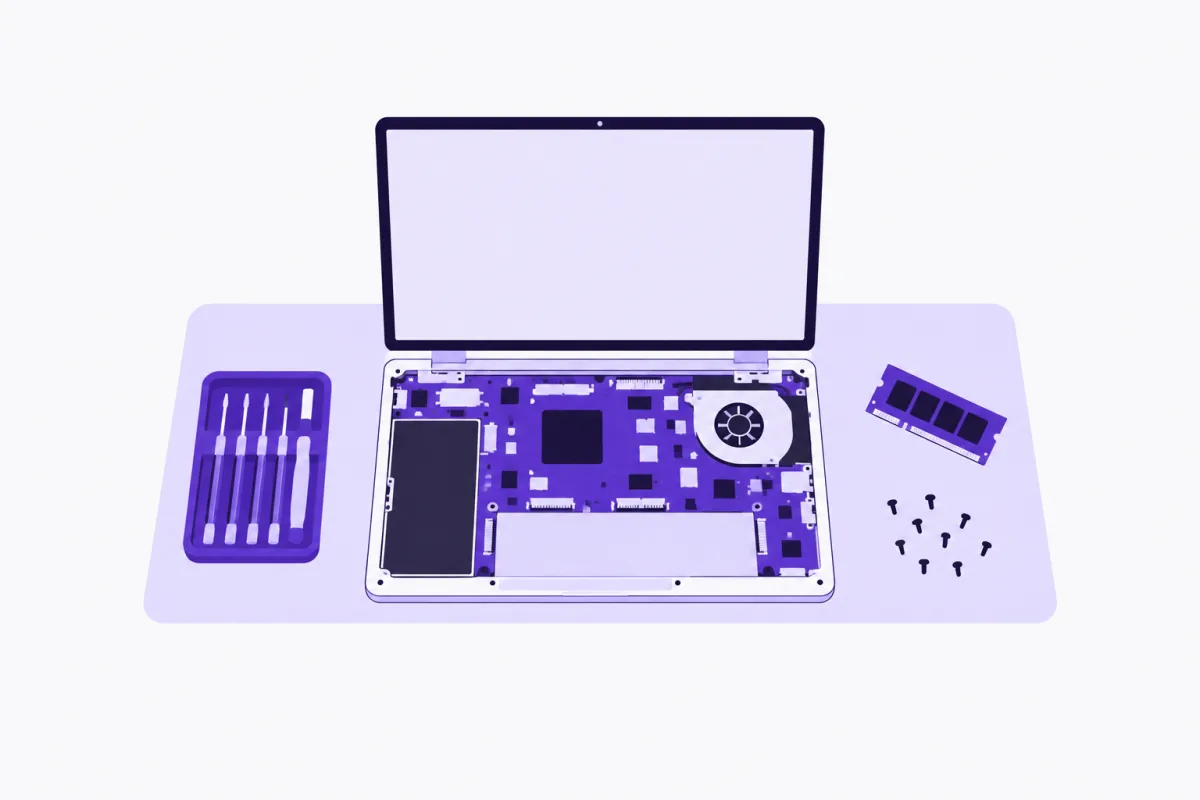
A computer repair shop runs on interruptions. A technician has a laptop open on the bench with a ribbon cable half seated, and the phone rings. It's someone asking whether you fix MacBooks. Then someone asking how much a new screen costs for a model you've never heard of. Then someone asking whether their repair is ready. Each call means putting down a screwdriver and finding a ticket.
Many of those calls are close to identical. Do you replace batteries? How long does a screen take? Do you have a charger for this model? Can you get my photos off a dead laptop? What time do you close? Some are more serious: a small office whose server is down, or a customer who's worried they've been scammed by a fake support call.
An AI receptionist for computer and laptop repair shops answers those calls and website chats. It quotes your starting prices, books drop-off diagnostics and repairs into your technicians' day, answers stock questions from your parts catalog, and lets customers reserve chargers, SSDs and accessories to collect. Repair status calls become follow-up tasks unless you connect your tracking system, and business IT enquiries become scored leads.
This guide explains how calls flow, how the parts catalog works, the rules that keep customers safe, the mistakes to avoid, and how your website fits in.
What is an AI receptionist for a computer repair shop?
It's software that answers your shop's phone and website chat in a natural voice, in any of 13 languages, and handles the questions your counter answers all day. It works across:
- Your phone line, answered by an AI voice agent on a Twilio number you own, while technicians work and after hours.
- Your website chat, by typing or speaking, for customers checking prices before they come in.
- Your booking page and store, where customers book a drop-off or reserve a part with the same information the phone uses.
It suits independent laptop and PC repair shops, Mac repair specialists, data recovery services, small business IT support providers, and shops that sell parts and accessories alongside repairs.
What it won't do: diagnose a fault, promise data can be recovered, ask for passwords, look up a repair in a system it isn't connected to, or take payment. Those stay with your technicians.
How it handles a computer repair call
Step 1: It answers while the bench stays busy
Calls are picked up straight away. The technician keeps working, and the caller gets an answer instead of a ringing line.
Step 2: It works out the device and the problem
The assistant asks the make and model, and what's happening: a cracked screen, a battery that won't charge, a laptop that won't start, a slow computer, spilled liquid. It uses your information to match the problem to a service.
Step 3: It quotes starting prices
Prices come from what you write. For a screen replacement, it might give a starting price by model range and explain the final price is confirmed once the technician has checked the part. For an unknown fault, it explains your diagnostic fee.
Step 4: It books a drop-off or a bench slot
The assistant books through the booking system, with technicians as staff and a daily limit so the bench isn't overloaded. The customer gets a confirmation email with what to bring, such as the charger, and a link to move or cancel.
Step 5: It answers parts questions from the catalog
"Do you have a charger for this laptop?" is answered by searching your store. If it's in stock, the customer can reserve it to pick up.
Benefits for computer and laptop repair shops
Technicians stay on the bench
Repairs need steady hands and focus. When the phone is covered, technicians don't lose their place every few minutes, and the day's repairs get done.
Prices are quoted the same way
"How much for a battery?" gets your starting price and the same explanation every time, rather than a different guess from whoever answered.
Parts sell while you work
Chargers, SSDs, RAM, cables, keyboards and bags are easy sales when a customer can find out they're in stock and reserve one. The assistant answers from the same catalog customers browse online.
The bench isn't overbooked
Drop-off slots with daily limits per technician stop the shop from taking in more repairs than it can turn around in the time you promise.
Business enquiries stand out
A small office wanting regular support is worth more than a single repair. Enquiries from your website forms are scored as leads, so the bigger opportunities are flagged.
Every call answered from the bench is a repair that takes ten minutes longer.
Computer repair use cases
Illustrative example. The shops and callers below are composites written to show how the setup works. They are not real Aiva Chat customers, and no results are implied.
The cracked screen
Problem: A student has dropped their laptop and wants to know what a new screen costs. How Aiva Chat handles it: It asks the model, gives your starting price for that range and how long the repair usually takes, and books a drop-off for the next morning. Outcome: The student arrives with the laptop and charger, and the technician has the model in the booking notes.
The missing charger
Problem: A caller has lost their laptop charger and needs one today. How Aiva Chat handles it: It searches your catalog for a compatible charger, confirms it's in stock and the price, and reserves it for pickup. Outcome: The charger is waiting at the counter when they arrive.
The "is it ready?" call
Problem: A customer calls on Friday afternoon to ask about their repair. How Aiva Chat handles it: The shop hasn't connected its tracking system, so the assistant takes the ticket number and creates a follow-up task. Outcome: A technician checks between jobs and calls back.
The worried caller
Problem: A caller says someone phoned claiming to be from a software company and asked them to install a program. How Aiva Chat handles it: It explains your policy, books a check-up appointment, and, following your rule, never asks for passwords. You can point callers to the FTC's guidance on how to spot and avoid tech support scams. Outcome: The customer brings the computer in to be checked by a person.
Your website, booking page and parts catalog in one place
Many repair shops have a directory listing and a sign in the window. The AI website builder writes a site from a few answers about your repairs, prices and area, with booking at /book for drop-offs, your parts catalog at /shop, the website chat on every page, and a contact form for business enquiries. It's sent to Google and lives at your aivachat.io address.
Building the parts catalog quickly
Import your parts from a CSV or Excel file, or from a Shopify or WooCommerce export. Packaged products like SSDs and memory can be filled in by barcode lookup, and a photo can draft a product for you to check. Product details are stored as specs, such as capacity, compatibility and connector, which the assistant reads and customers can filter by.
Shelf labels and WhatsApp orders
Shelf QR labels let customers in the shop scan a product to see its details. Customers browsing online can tap to order on WhatsApp, with the product filled in, and collect it from the counter.
AI receptionist vs. answering at the counter vs. voicemail
| Answering at the counter | Voicemail | AI receptionist (Aiva Chat) | |
|---|---|---|---|
| Calls answered while repairing | Rarely | No | Yes, every call |
| Quotes starting prices | Yes, if someone's free | No | Yes, from your list |
| Checks parts stock | By walking to the shelf | No | Yes, from your catalog |
| Books drop-offs with limits | In a diary | No | Yes, on every channel |
| Repair status | Yes, from the system | No | Only with a custom action; otherwise a callback task |
| Cost | Bench time | Free | $49 to $199 a month, plus your own Twilio and OpenAI usage |
Answering at the counter is the most direct option when someone is free. In a two-person shop with both on the bench, that's rarely.
Voicemail captures some calls, but someone with a dead laptop and a deadline won't wait; they call the next shop. Our post on replacing voicemail with an AI receptionist explains why.
The AI receptionist answers every call, books repairs and sells parts from the catalog. It doesn't know your regulars' machines the way you do, so keep a transfer on for anyone who asks for a technician.
How to set up an AI receptionist for your repair shop
Step 1: Write your repair price list
List your common repairs with starting prices by device type or model range: screens, batteries, keyboards, charging ports, liquid damage, data recovery assessments and your diagnostic fee. Mark anything priced after inspection.
Step 2: Add technicians and services
Add each technician as a staff member with hours and a daily limit. Create services for drop-off diagnostics and common repairs with realistic lengths. The set up bookings guide covers services and limits.
Step 3: Build the parts catalog
Import your parts and accessories, add stock levels and specs, and turn on reserve for pickup. The selling products guide walks through the store.
Step 4: Decide how repair status works
If your tracking system can be reached from the web, set up a custom action for status lookups. If not, write the callback rule: take the ticket number and name, and log a task.
Step 5: Write rules and handoffs
Add rules: never ask for passwords or PINs, never promise data can be recovered, never diagnose a fault over the phone. Turn on handoffs for upset callers and people asking for a technician.
Step 6: Test on a busy day
Call as a customer with a cracked screen, one needing a charger, one asking about a repair and one worried about a scam call. Check the price, the booking, the reservation and the task. Review the first weeks in Insights.
Common mistakes computer repair shops make
Listing parts without stock levels
If the catalog says a part is available when it isn't, customers turn up to an empty shelf. Keep stock updated, and say in the description when a part is ordered in rather than kept on the shelf.
Promising data recovery
"We'll get your photos back" is a promise nobody can keep for every drive. Write your data recovery wording carefully and let the technician assess.
No daily limit on drop-offs
Without one, a busy Monday fills the bench for a week, and every turnaround promise slips. Set limits per technician.
Promising a text when it's ready
Texting is paused in Aiva Chat for now while US carrier registration (A2P 10DLC) is completed. If you let customers know some other way, such as a phone call, write that into your information so the assistant says the same.
Best practices for computer repair assistants
- Ask for the exact model on every booking, and put it in the notes.
- Tell customers what to bring: the charger, any passcode they're happy to share in person, and backups if they have them.
- Keep the catalog small and accurate rather than large and out of date.
- Use specs for compatibility, so the assistant can match chargers and memory to models.
- Write your scam-awareness line so worried callers get a calm, consistent answer.
- Review a sample of calls weekly and fix any price or stock answer that was wrong.
Conclusion
Computer and laptop repair shops lose bench time to phone calls and lose sales when a caller can't find out whether a part is in stock. An AI receptionist answers every call, quotes your starting prices, books drop-offs into a bench with real limits, answers stock questions from your parts catalog and lets customers reserve items to collect.
The decision point is repair status. If many calls are "is it ready?", decide before you go live whether you'll connect your tracking system or use a clear callback rule. With that settled, and the rule about passwords written in, the assistant handles the counter's routine calls. For related shops, our guides to AI agents for electronics stores and online stores for mobile phone shops cover catalogs and repairs.
Ready to keep the bench working?
Call +1 (970) 972-0974, ask about a laptop screen, and try to book a drop-off.
If it fits, start a 14-day free trial with no card, add your price list and parts catalog, and point a busy day at it. Plans differ mainly by phone numbers, products on sale and how many calls are answered at once. To work through the catalog and repair status with someone, book a demo.
Written by
The Aiva Chat team
Aiva Chat
Posts from the people building Aiva Chat in Rajkot — how the product works, what we have learned building it, and guides for getting the most out of an AI receptionist.
Rajkot, India · at Aiva Chat since 2024
More posts

