Most callers to an Indian clinic, salon or coaching centre don't speak the English of a product demo. They speak Hindi, with English words dropped in for dates, prices and brand names. An AI receptionist that only works in clean English answers those calls badly, and the caller hangs up.
Aiva Chat answers calls in Hindi. It explains your services, quotes your prices, checks free times and books the appointment while the caller is still on the line. It also answers website chat in Hindi, and your booking page and its confirmation emails can be in Hindi too.
This page covers what that looks like on a real call, how to set it up, and what to test before you rely on it. For the harder question of how voice AI follows a caller who mixes two languages in one sentence, see our piece on code-switching on a call.
What an AI receptionist in Hindi does
An AI receptionist answers your business phone and holds a conversation instead of playing a menu. In Hindi, that means:
- Answering questions from the information you give it: services, prices, hours, address, what to bring.
- Booking appointments into your Aiva Chat appointment book, which syncs with Google Calendar, after checking the times you're actually free.
- Taking messages and creating follow-up tasks when the caller needs a person.
- Transferring the call to your staff when a caller asks, or when your rules say so.
Each call is recorded and transcribed, with a summary in your dashboard, so you can read what the assistant said and correct your information where it got something wrong.
A sample call
Here is what a short booking call to a salon might sound like. It's illustrative, not a recording.
Caller: नमस्ते, शनिवार को हेयर कट का appointment मिल सकता है?
Aiva Chat: जी हाँ। शनिवार को सुबह 11 बजे और दोपहर 3 बजे जगह है। कौन सा समय ठीक रहेगा?
Caller: 3 बजे। और कितने का है?
Aiva Chat: हेयर कट 400 रुपये का है। आपका नाम बता दीजिए, शनिवार 3 बजे बुक हो जाएगा।
The caller used "appointment" in English, and the call stayed in Hindi. That's how it's meant to work: an English word inside a Hindi sentence never switches the call.
How language switching works on a call
Aiva Chat's language setting lives on the Voice & Speech page, under Which language should the assistant use. There are three choices:
| Setting | What happens on a Hindi call |
|---|---|
| Follow the caller | The assistant greets in the language of your opening line. If the caller's first reply is clearly a full sentence in Hindi, it switches to Hindi and stays there. |
| Always one language | Set it to Hindi and every call opens and continues in Hindi. |
| Two languages | For example Hindi first and English second. The call opens in Hindi and moves to English only if the caller speaks full sentences in English. |
In every mode, a caller can still ask for another language ("English mein baat kar sakte hain?") and the assistant will switch.
What it won't do is flip languages on its own because of one English word, a name, a noisy line or a short reply it couldn't make out. Earlier versions switched more readily, and a noisy line could flip a call into the wrong language, so the rule is now deliberate.
Which setting to pick:
- Mostly Hindi callers: choose Always one language with Hindi, or Two languages with Hindi first.
- A mix of Hindi and English callers: choose Two languages.
- Many languages: choose Follow the caller.
Setting it up
- Create the assistant from a template and write its greeting. If most callers speak Hindi, write the greeting in Hindi.
- Set the language on Voice & Speech, as above.
- Teach it your business: services, prices, hours and the questions people ask most. English is fine, but include the words customers actually use, in Hindi or English.
- Connect a phone number from your Twilio account. For an Indian number, read Twilio's regulatory guidelines for India first.
- Set your hours and booking rules: the services, their length, who can do them and how far ahead people can book.
- Call it yourself before your customers do.
Our India page summarises everything Aiva Chat does for Indian businesses, including the website and booking pages that are free right now.
What to test in Hindi
A demo call proves little. These are the parts of a Hindi call that most often go wrong, so test them on purpose:
- Numbers and money: say "ढाई सौ", "साढ़े नौ बजे" and "पौने चार" and check the assistant understood them, in the booking it made and in the transcript.
- Dates: "परसों", "अगले सोमवार" and "इस शनिवार नहीं, अगले". Check the booked date, not only what it said.
- Your service names: ask for each service the way a customer would, including English and local names.
- Mixed sentences: "Saturday ko slot hai kya?" should get a Hindi answer about Saturday.
- A request for English: ask it to continue in English partway through, and check it does.
- Something you don't offer: it should say so and offer to take a message, not invent an answer.
- A noisy line: call from a road or a shop counter.
If an answer is wrong, the fix is usually in your information, not the setting. Our list of what to test in a free trial covers the rest.
Test Hindi the way your customers speak it: with English words, half-hours and "parson". A clean demo sentence tells you very little.
Online booking and messages in Hindi
Phone calls are only one way customers reach you.
- Booking page: set the page language to Hindi, or let visitors choose Hindi from the picker under your business name. The page's buttons, dates and times appear in Hindi.
- Confirmations and reminders: booking confirmations and reminder emails use the page's language, with a link to confirm, move or cancel.
- Website chat: the assistant replies in the language the visitor writes in, and the widget's labels can be set to Hindi.
- Your own words: Aiva Chat never translates text you wrote, such as service names, the page intro or your questions. Write those in Hindi if you want Hindi.
Texting is paused in Aiva Chat while US carrier registration is completed, so confirmations and reminders go by email for now.
Limits worth knowing
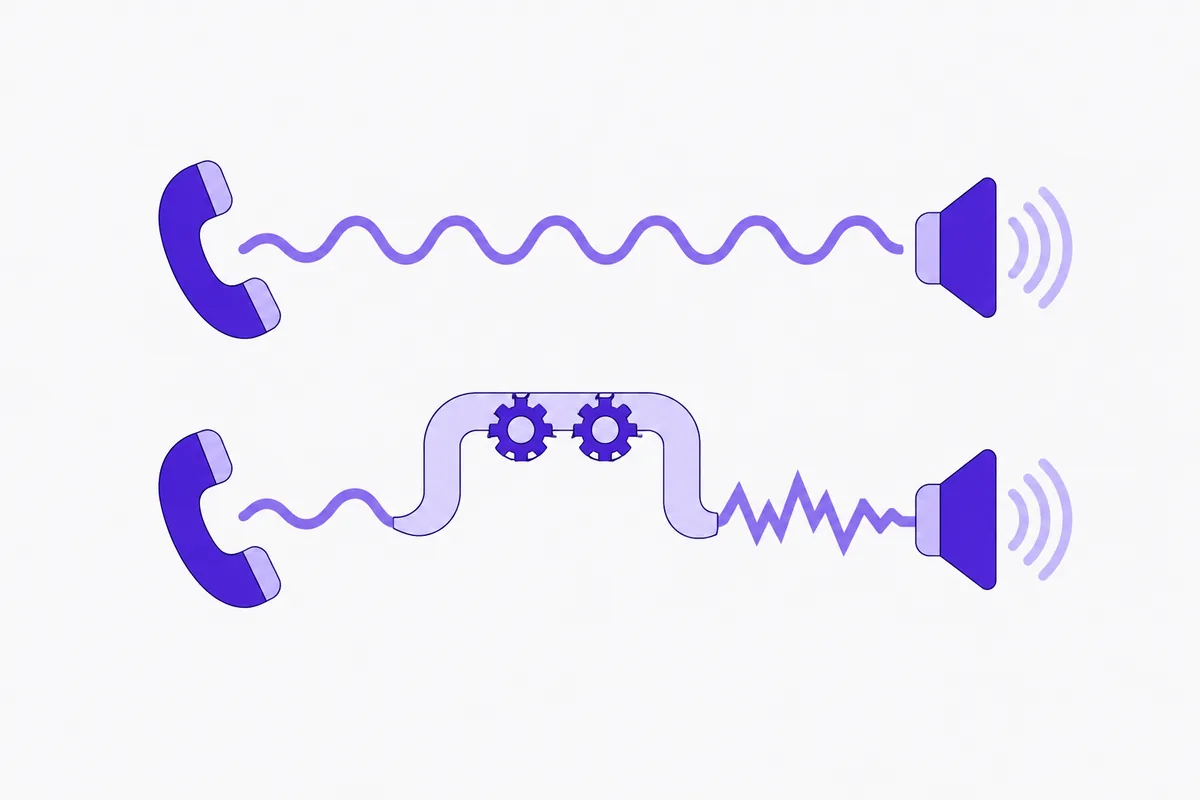
- Accents and line quality vary. Recognition is good on clear calls and weaker on bad lines and heavy background noise, as it is for any voice system. Our honest look at whether AI understands Indian accents goes into this.
- It speaks standard Hindi, not every dialect. If many of your callers speak Bhojpuri, Marwari or Haryanvi, test with a few of them before relying on it. The assistant replies in standard Hindi either way.
- Tell us about odd wording. If any of the booking page's standard wording reads oddly in Hindi, tell us and we'll correct it.
- It hands off what it can't do. Complaints, payment disputes and anything outside your information should go to a person, through a transfer or a follow-up task.
Cost
Hindi costs nothing extra: all 13 languages are on every plan. Plans are $49, $99 or $199 a month in US dollars, and every plan has every feature. Call minutes and AI usage are billed to your own Twilio and OpenAI accounts at their rates, with no Aiva Chat markup. Our guide to AI receptionist costs in India works through examples.
Try it
Call +1 (970) 972-0974 and speak Hindi. Ask the question your staff hear most, and then try to book.
If it holds up, start a 14-day free trial with no card required, load your own services and prices, and test it with the list above before you give the number to customers.
See how it works: Aiva Chat for businesses in India
Written by
Shyamsinh Parmar
AI Solutions Architect
Shyamsinh designs production AI systems at Woyce AI, the team that builds Aiva Chat, including the real-time voice architecture behind it. Shyamsinh works from the business process down: where AI should act, what needs a person, which models to use, and what each call costs to run.
More posts